Ten hands-on math tools that run right in the browser: no downloads, no accounts, nothing to clean up. Each one has a free-explore mode, built-in challenges with feedback, and a printable version for offline practice.
 Grades K-1
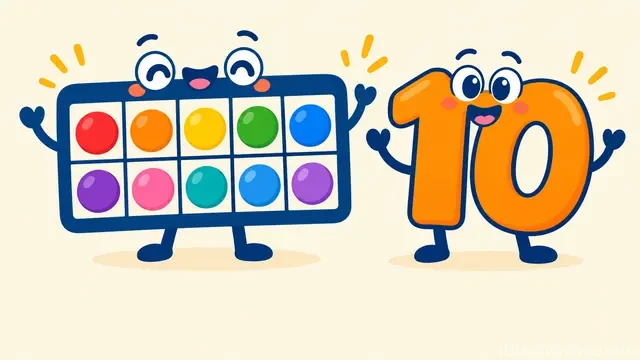
Ten Frames & Counters
Count, add and subtract to 20 with ten frames.
Open tool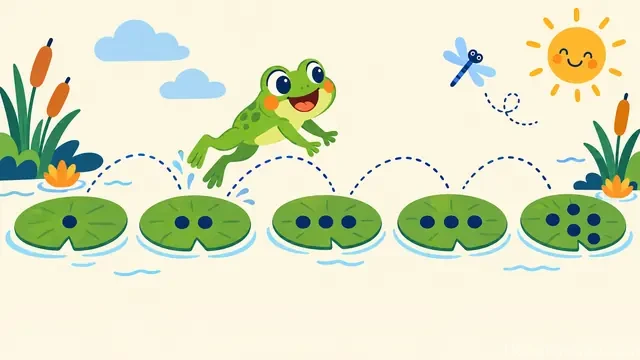 Grades K-2
Number Line
Hop along the number line to see addition and subtraction.
Open tool Grades K-2
Pattern Blocks
Build pictures and explore symmetry with the six classic blocks.
Open tool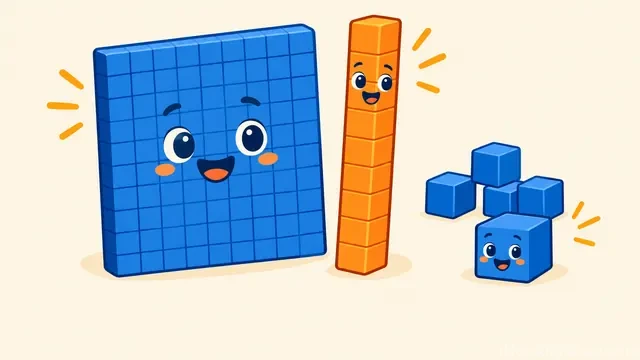 Grades 1-3
Base Ten Blocks
Ones, rods and flats make place value visible.
Open tool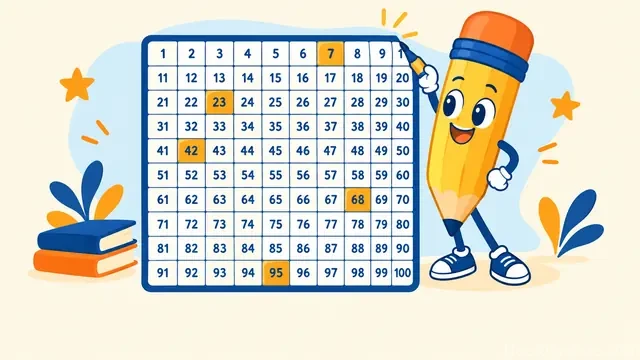 Grades 1-3
Hundred Chart
Highlight skip-counting lines, +10 jumps and digit patterns.
Open tool Grades 1-3
Clock & Time
Move the hands, set a time, read an analog clock.
Open tool Grades 1-3
Money Play
Count coins and bills, make amounts with the fewest pieces.
Open tool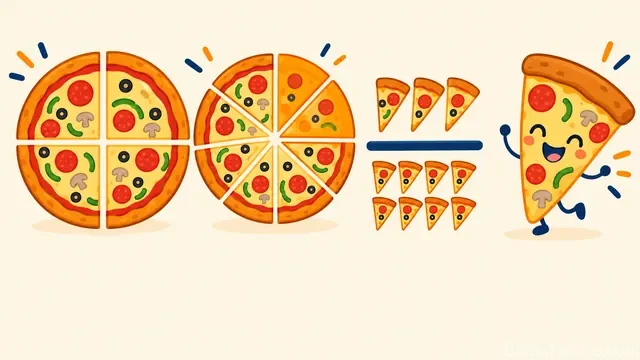 Grades 2-4
Fraction Circles & Bars
Compare and build fractions with circles and bars.
Open tool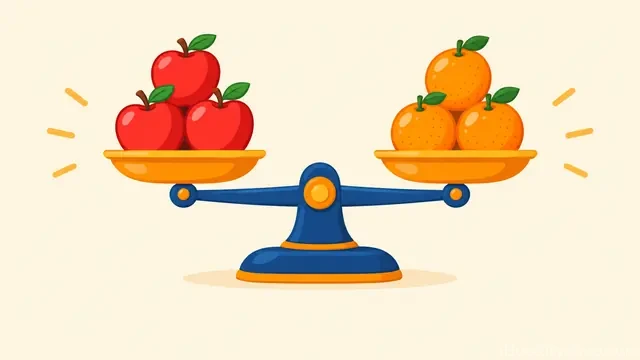 Grades 2-4
Balance Scale
A real tilting scale: equality, addition and the equals sign.
Open tool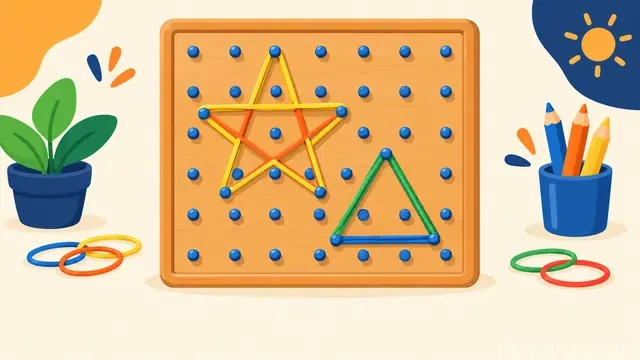 Grades 2-5
Geoboard
Stretch bands around pegs to explore area and perimeter.
Open toolHow to use these tools
Start with free explore so the tool itself is familiar, then press New Challenge and let the feedback do the teaching: every wrong answer explains what is off and by how much. Each tool also prints a paper version with tasks, so screen time and pencil time reinforce each other. For more practice, browse the Learning Games or print a worksheet pack from Free Worksheets.